Datum · Symbol Designer
A Windows CAD studio for authoring isometric piping and pressure-vessel symbols — draft across three iso planes, place typed connection nodes, and save reusable, metadata-rich symbols for your ISO drawings.
Windows desktop · .NET 10 · isometric CAD · Blueprint & Pro CAD themes
What it is
Datum Design draws engineering symbols, not free-form art — isometric geometry annotated with the connection points and metadata your ISO drawing tools consume.
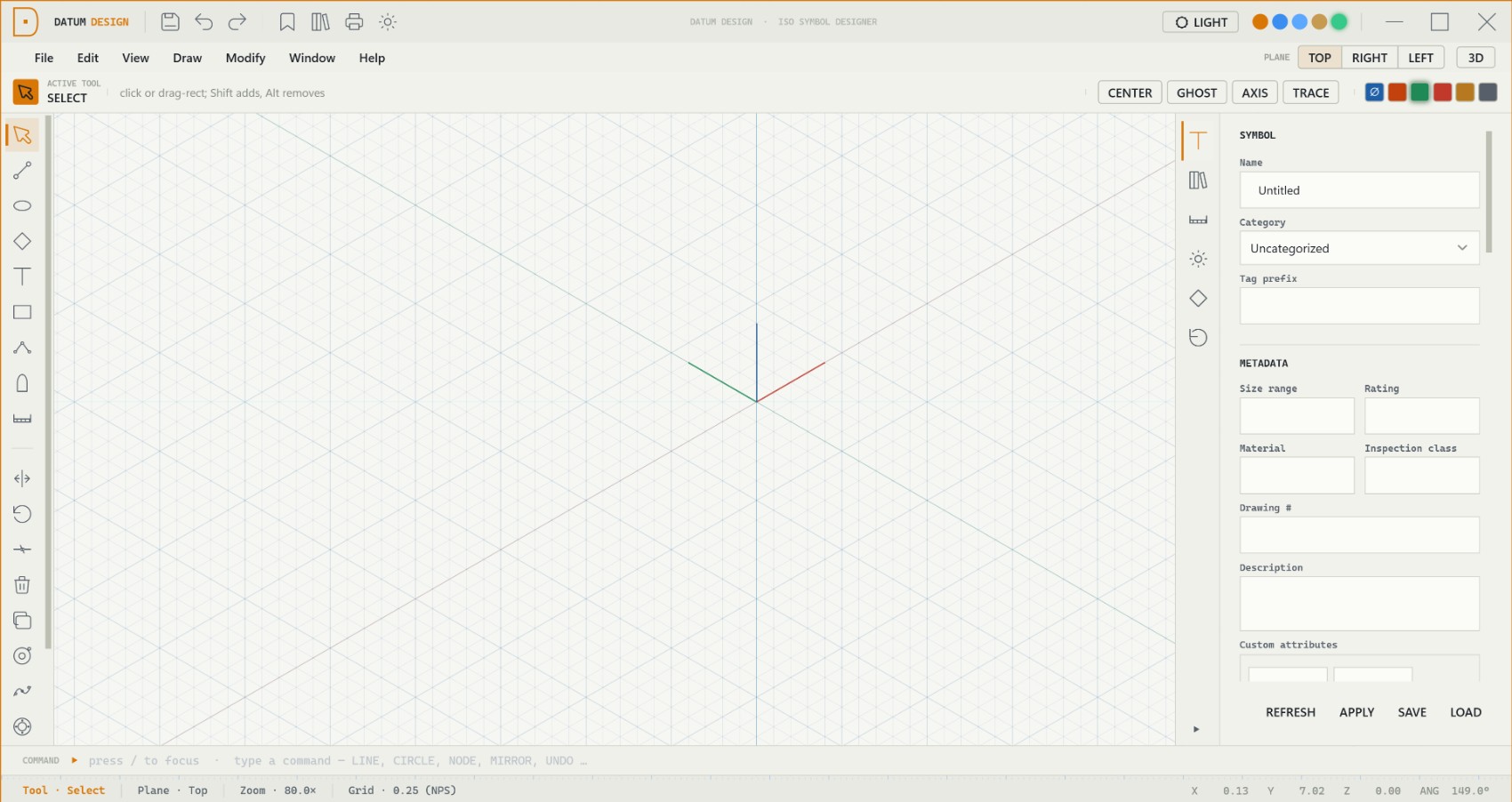
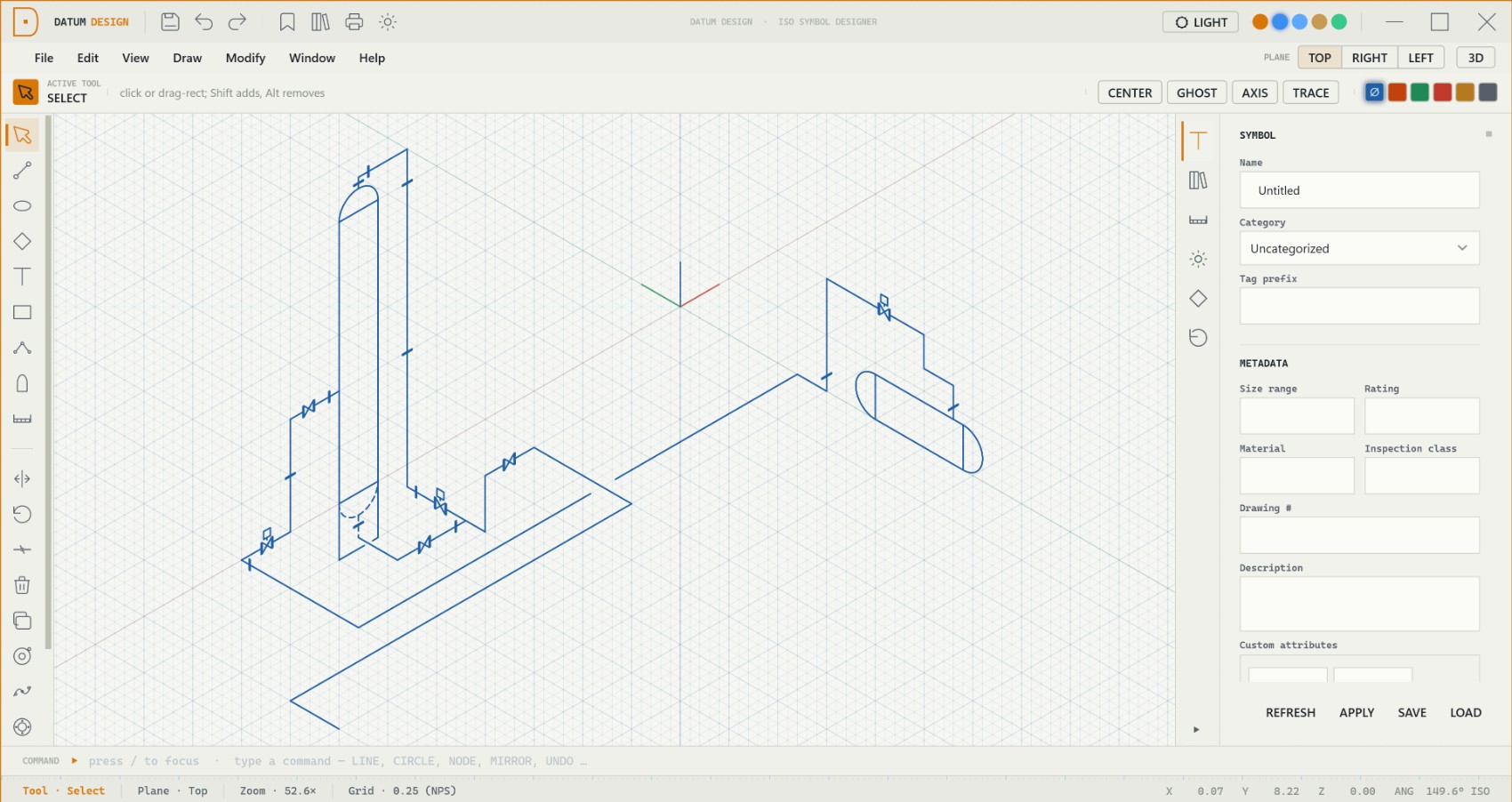
Every element is drawn on Top, Right or Left — projecting correctly and unprojecting cleanly to 3D.
Color-coded pipe ports carry direction, type and size — so designers snap pipe runs straight onto your symbol.
Category, tag prefix, rating, material, drawing # and inspection class travel with every symbol.
A retained-mode canvas renders the scene in layers — grid, geometry, guides and live tool preview — so it redraws only what changed and stays crisp at any zoom. Draw on an iso, square or engineering grid and orbit the view into 3D at any time.

Precision aids
A multi-pass snap engine, accelerated by spatial hashing, keeps dense symbols snapping interactively — the AutoCAD muscle memory carries straight over.
Grid, endpoint, midpoint, center, node, origin, on-arc, tangent and perpendicular.
OTRACK-style rays along 0° / 30° / 90° / 150°, snapping to ray intersections.
Glowing alignment guides when the cursor lines up with an iso axis through an anchor.
Routes a two-click line as an iso-aligned path with at most one elbow.
A live mirror preview of new geometry across a saved symmetry axis.
Single-key tools and an AutoCAD-style typed command bar with aliases.
The tool set
Tools never touch geometry directly; each gesture emits an undoable command, so Undo / Redo restores every drawing exactly.
Cap a pressure vessel with a parametric head, generate a bolt-pattern flange in one gesture, and place pipe connection nodes that carry their type, direction and size — color-coded so a piping designer can snap runs together at a glance.

Symbols & library
Save a symbol to the native .dtm format or drop sub-components into a shared library — standard valves and fittings are seeded on first run.
Each drawing is a single Symbol definition in symbol-local coordinates — saved as a portable .dtm file.
Transplant a valve, vessel or assembly into a host symbol at an anchor point — seeded with standards.
Pressure vessels, valves, fittings, instruments, rotating equipment, line components and more.
A self-contained real-time engine lifts the 2D isometric symbol into a navigable 3D mesh. Orbit it, walk through it, or explode it — the viewport is off by default and toggled on demand.

Look & feel
A clean, engineered aesthetic — sharp corners, restrained accents — with five preset accent colors you can switch live.
Light · drafting on vellum paper · industrial amber accent
Dark · modern graphite workstation · engineering blue accent
Output & formats
A JSON envelope wrapping a single symbol definition — portable, and legacy bare-JSON files still open.
Drop a sheet behind the grid — bundled 8.5×11 and 11×17 ISO sheets, plus an NDT / UTS inspection template.
A dedicated print-layout system with paper and viewport management, plus image export via the render pipeline.
See it draw
We’ll draft a vessel or valve isometrically, place its connection nodes, and save it to the library — so you can see exactly how Datum Design fits your drawing workflow.
support@sifulogic.com